
ScrollView
ScrollView
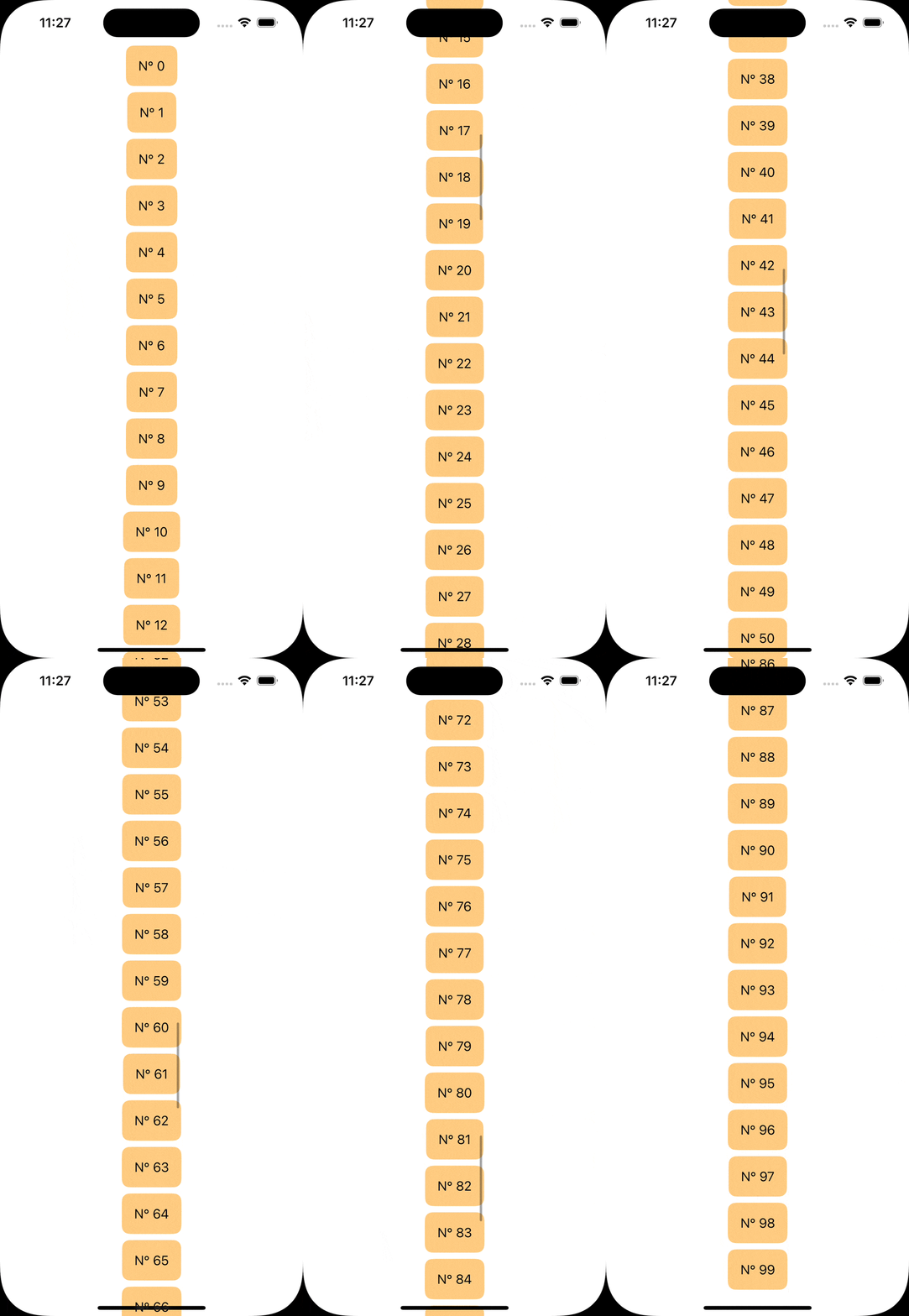
Le ScrollView est un conteneur qui permet à ton contenu de défiler lorsqu’il dépasse les limites de l’écran.
Scroll de base (vertical par défaut)ScrollView
  ScrollView {
	    VStack {
	        ForEach(0..<100) { index in
	            Text("N° \(index)")
	                .padding()
	                .background(Color.orange.secondary, in: RoundedRectangle(cornerRadius: 10))
	        }
	    }
	}
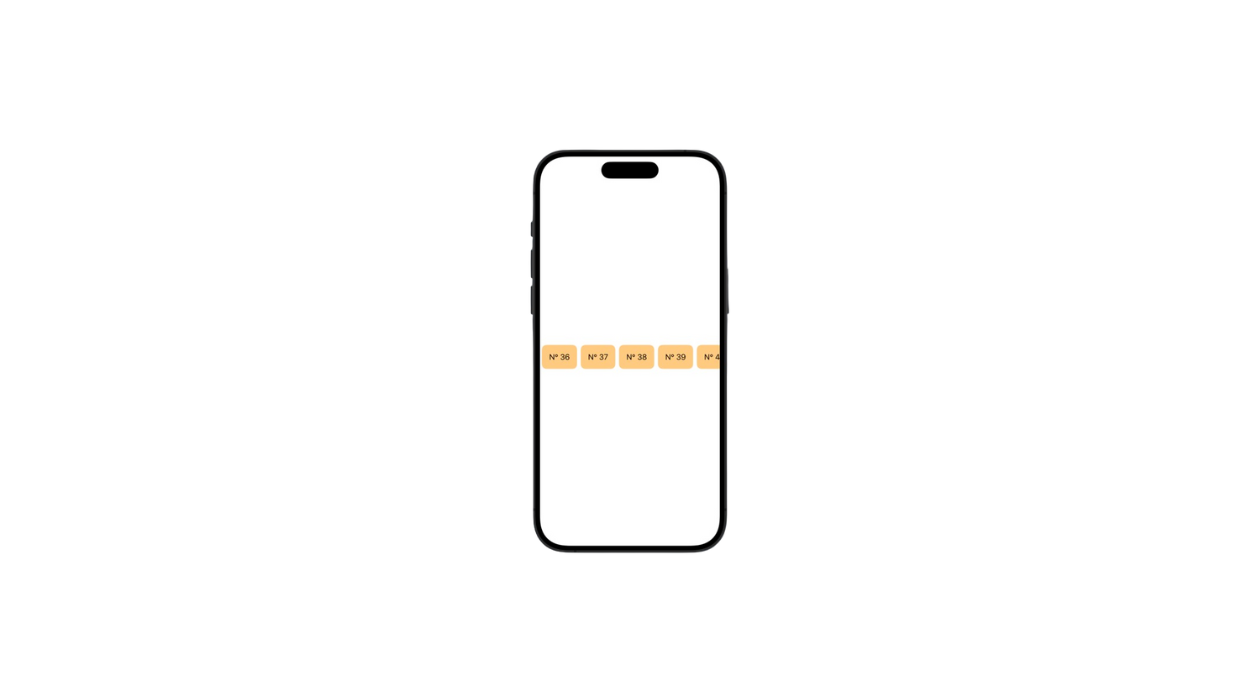
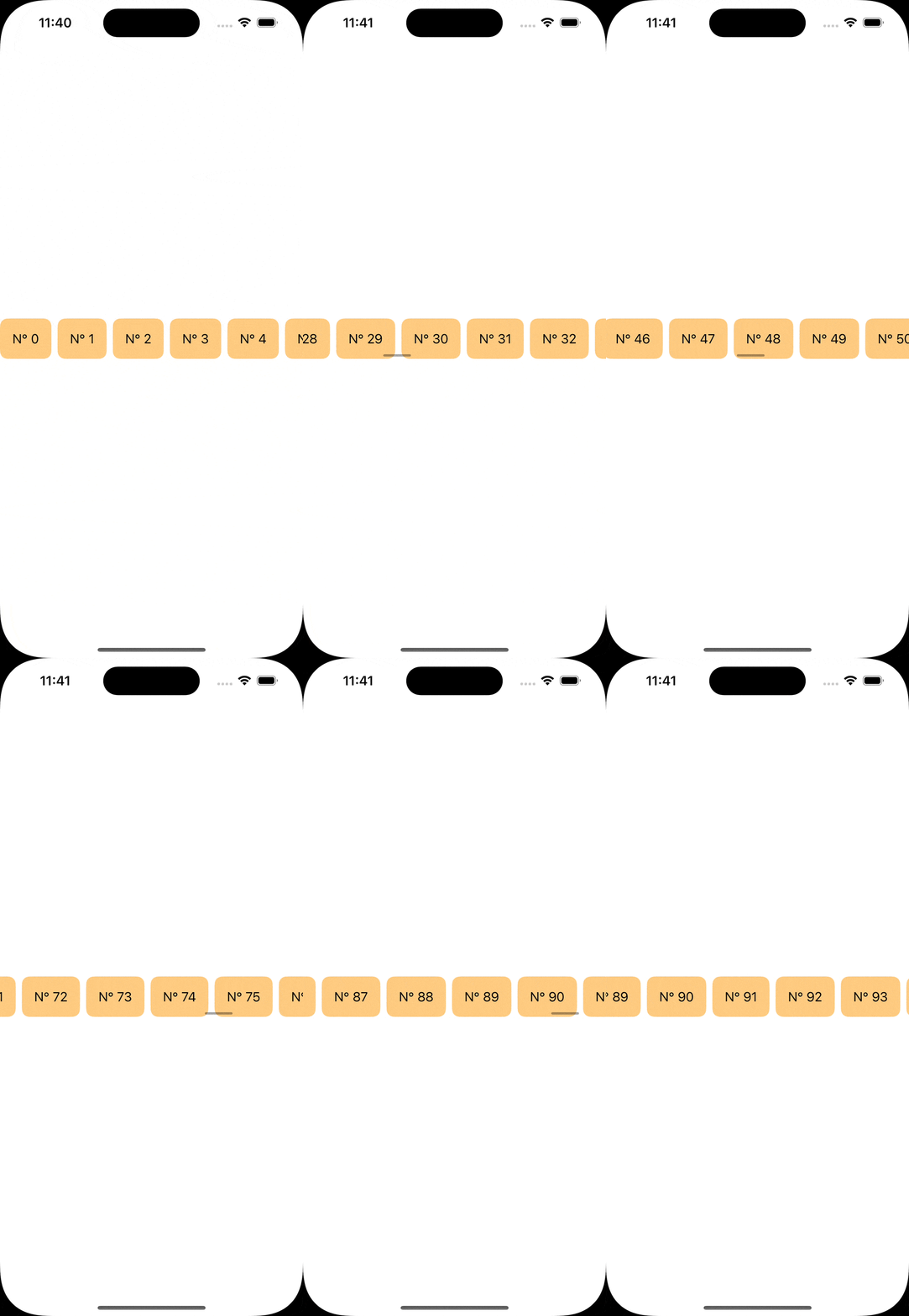
Scroll horizontal .horizontal
ScrollView(.horizontal) {
    HStack {
        ForEach(0..<100) { index in
            Text("N° \(index)")
                .padding()
                .background(Color.orange.secondary, in: RoundedRectangle(cornerRadius: 10))
        }
    }
}
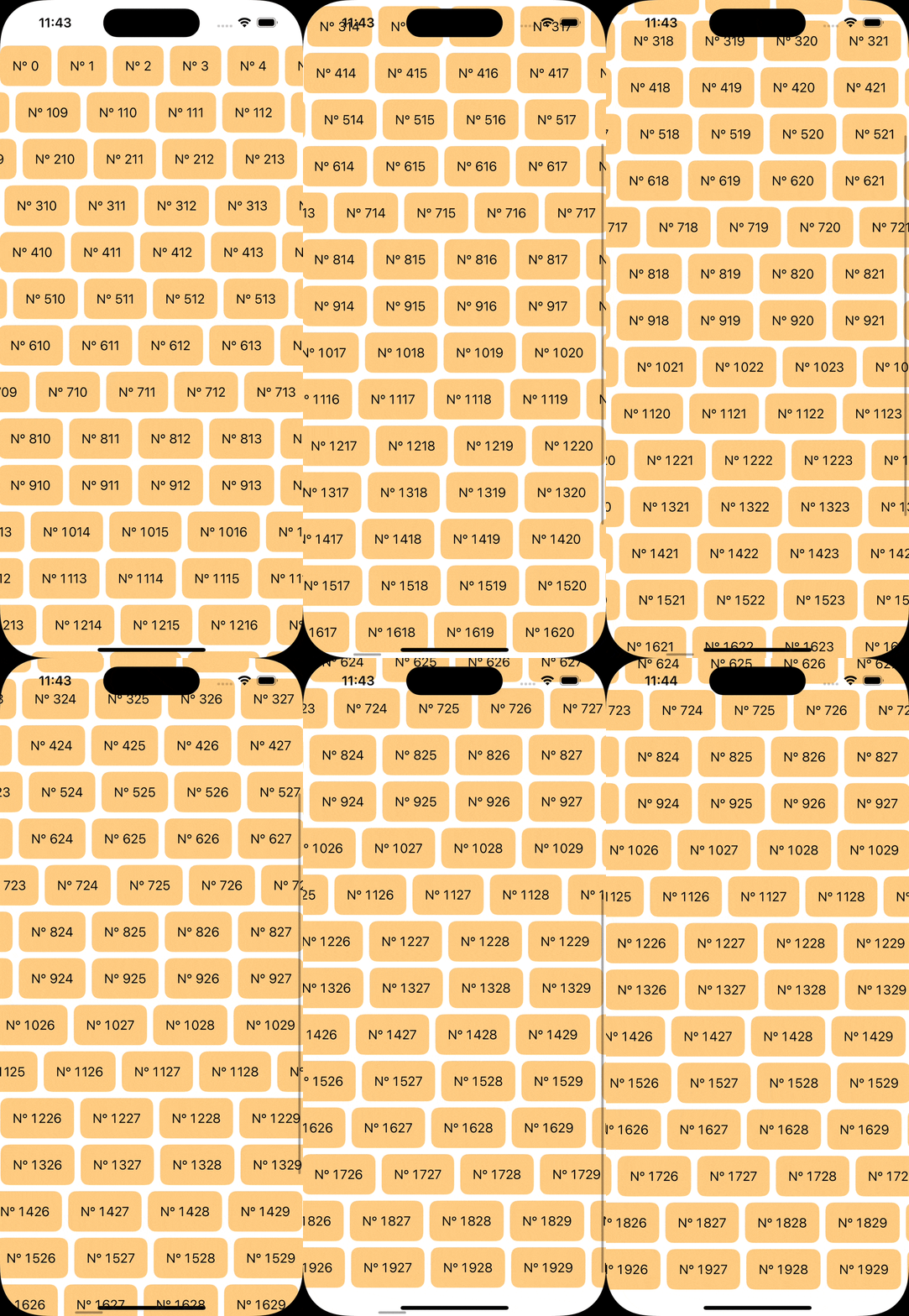
Scroll multi-directionel [.horizontal, .vertical]
ScrollView([.horizontal, .vertical]) {
    LazyVStack {
        ForEach(0..<20, id: \.self) { rowIndex in
            LazyHStack {
                ForEach(0..<100, id: \.self) { columnIndex in
                    Text("N° \(rowIndex * 100 + columnIndex)")
                        .padding()
                        .background(Color.orange.secondary, in: RoundedRectangle(cornerRadius: 10))
                }
            }
        }
    }
}
Masquer l’indicateur de défilement .scrollIndicators(.hidden)
    ScrollView(.horizontal) {
      HStack {
          ForEach(0..<100) { index in
              Text("N° \(index)")
                  .padding()
                  .background(Color.orange.secondary, in: RoundedRectangle(cornerRadius: 10))
          }
      }
  }
  .scrollIndicators(.hidden)
Tips
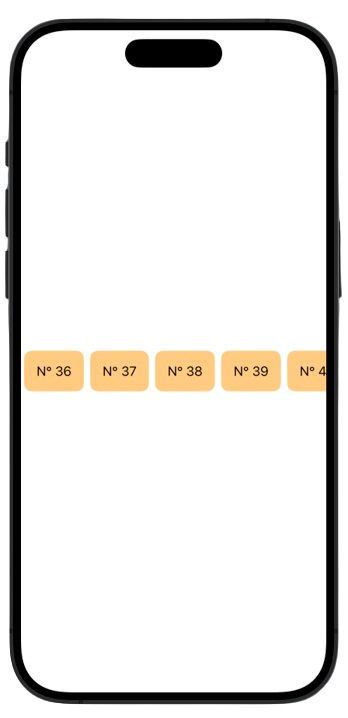
Si ton interface utilise un scroll horizontal, rends-le évident dès le départ : affiche une partie du contenu suivant, ajoute des flèches de navigation ou un indicateur visuel subtil (comme des points de pagination). Une légère animation au premier affichage peut aussi guider l’utilisateur. Évite que le contenu semble “coupé” sans indication, sous peine de le rendre invisible pour une partie des utilisateurs.
Tips
Si ton interface utilise un scroll horizontal, rends-le évident dès le départ : affiche une partie du contenu suivant, ajoute des flèches de navigation ou un indicateur visuel subtil (comme des points de pagination). Une légère animation au premier affichage peut aussi guider l’utilisateur. Évite que le contenu semble “coupé” sans indication, sous peine de le rendre invisible pour une partie des utilisateurs.